
Part three
Afterwards
Chapter 12 · Bonus
Afterwards: editing copy from Obsidian and asking for changes with a screenshot
The skill has finished its job. The site is live. From here on, what you do is finer and more your own: the changes your particular project needs. Let me show you how to ask for them, with the three I made in the video.
Changing a piece of text without opening the code
Open Obsidian and, with "Open vault," open the Next.js project folder (not the first project, the second one). Inside you'll find two folders that matter: content and data.
In data is everything the site needs to run. Leave it alone. In content is the site's copy, in plain text files, so you can change it from there. This is something only our skill does, and we did it so you'd never have to open the code or know anything about how a website works, where to find the files, nothing. A text editor and you're done.
For example, the home page headline said "Find your next pair." I changed it to "Hi, I'm Martín" with a smiley face, as a test. Saved. And in ChatGPT, in the Next.js project, I typed:
Run the project locally and run the script that takes the copy from Obsidian to the site.
This one you do have to tell it. The script takes the text from content and converts it into the format the site understands. A second later I refreshed the browser and there was the new headline.
And it's not just for copy. In content there's a sample product file. Change it and that product changes; create another file with the same structure and a new product appears. From there you can edit your entire site's content without touching a line of code.
Publishing the change
For the change to reach the internet, it has to go through GitHub again. I told ChatGPT:
Deploy the changes on a new branch and open a pull request.
You know this part now: a branch is an exact copy of the current code, with the changes on it. Instead of sending the copy straight to main, it sends it to a branch, and we authorize it on GitHub with the merge. We do it by hand for control, but since the skill audits everything, you can merge safely. And Vercel publishes.
Asking for animations
Now for the magic I promised you in the last chapter. I went back to the first project, New Website, the one with the whole history in it, and typed:
In the Next.js project, install the Framer Motion dependency and, using the GPT Taste skill, fill the home page with animations. I want elements to appear only when the user scrolls, and I want them to animate on hover too.
Three things to notice in that message. First, I tell it which project. Second, I tell it which library to use (Framer Motion is an animation library for React; it was already installed, but better safe than sorry). Third, I tell it which skill to use: GPT Taste, which has been installed since step 0, so there's nothing to install.
I'm showing you this because this is how you'll ask for every change to your site. We're not inside the skill anymore; its job is done. But all that knowledge is still in the folder, and ChatGPT reads it before touching anything.
When it finished, I refreshed. Things come alive: they appear as you scroll, they animate on hover. More interesting every time.
Asking for changes with a screenshot
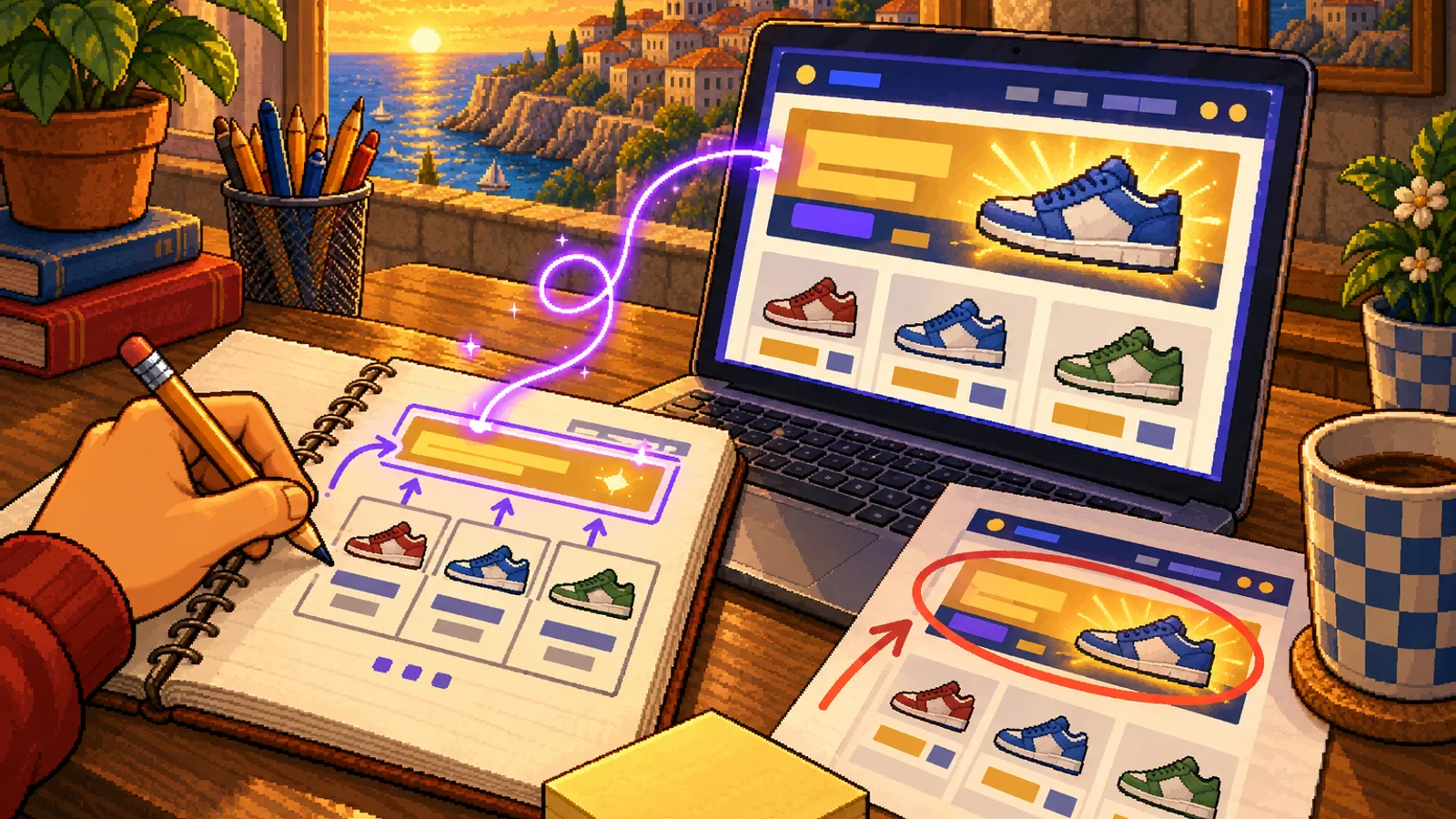
The last trick is the one you'll use most. I took a screenshot of the hero, handed it to ChatGPT, and wrote:
I don't like it this way. The background is too plain: I want a gradient from a darker color to the one it has now. I want it much more dynamic and striking. And I want the top bar to be sticky (stuck to the top when you scroll), transparent with a blur; the size is fine while the user hasn't scrolled, but once they scroll, make it shrink. Use the Huashu, UI UX Pro Max and Apple Design skills.
To name the skills in the message, type the slash and pick them from the list. Apple Design in particular does a really good design review that ChatGPT then takes into account.
I waited, refreshed, and look: the background with the gradient, the bar that sticks and blurs, that shrinks when you scroll and grows back at the top. Those details are what make the difference. And now you know how to ask for them: a screenshot, what you don't like, what you want, and which skill to use.
Great. Now deploy everything so it's on Vercel.
New branch, pull request, merge, and Vercel publishes. If you go into Vercel and open Deployments you'll see the deployments that were made, with your brand's little logo next to them (remember, when we created the brand, it also created the files so it looks right in bookmarks). The latest one has the animations, the effects, everything.
What's next
With this you can build any site. You start with the structure, you let the skill guide you, you hand it the references, you do the wireframes, the brand, you pick between several designs, and you end up with a result like this one. Then you polish it with screenshots and specific requests, on the home page or anywhere else.
Of course it can be improved a great deal more. But for what this guide set out to do, this result is very good, and we're happy with it.
In the next guides and the next skills we'll build on this: login, a database, all of it is coming. Same logic, same mechanics, and the same thing as always: keep it easy, and let you do it fast.
See you in the next one.